
DSLR CAMERA · REFLEX CAMERA
DSLR Camera
Welcome to the support page of DSLR Camera
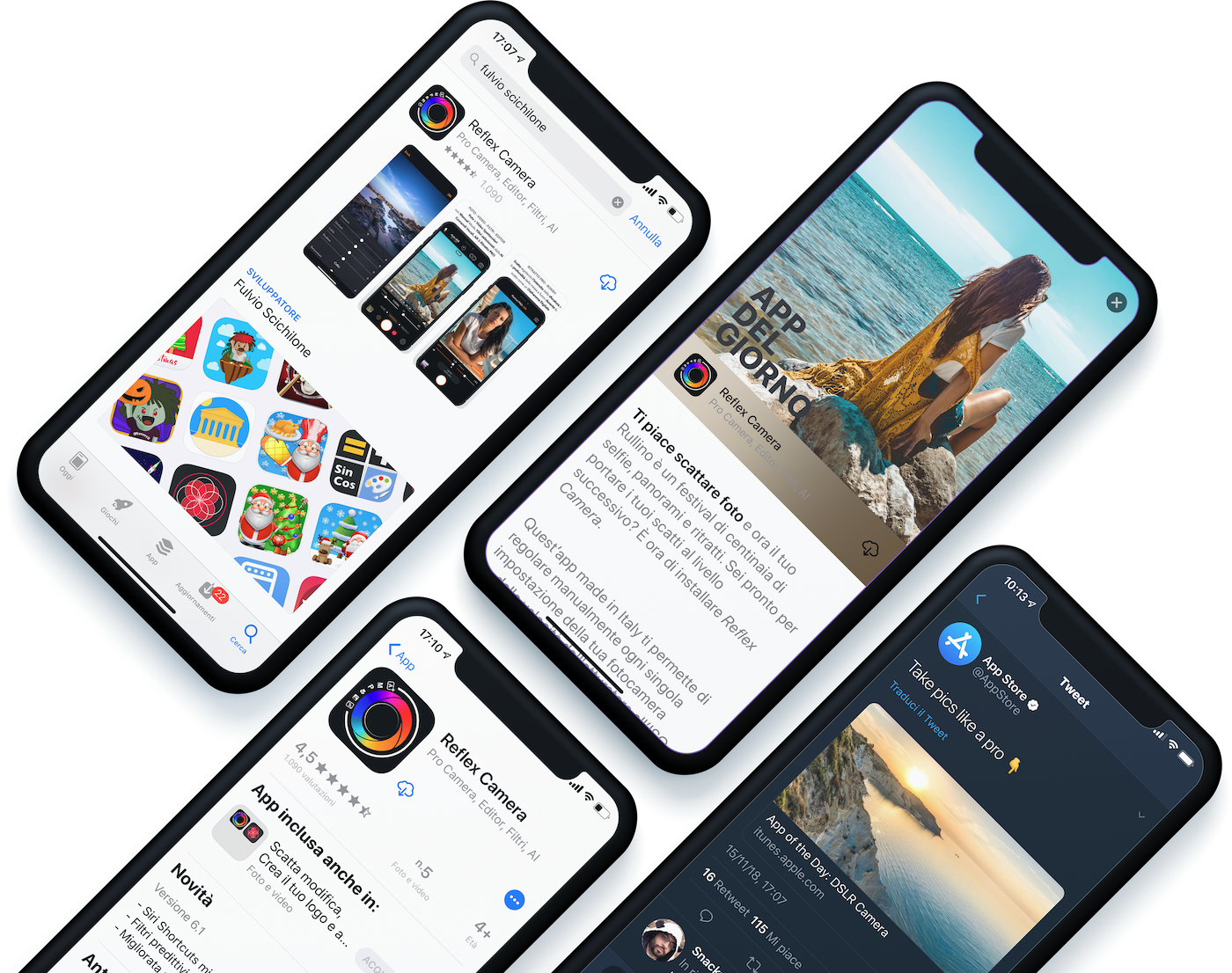
DSLR Camera is a camera app for iPhone and iPad with manual controls, RAW capture, video, over 200 photo filters and an advanced editor. It also includes features for Apple Watch and iMessage.
The most downloaded app in 30+ countries
Continuously updated since 2014. Made with love in Sicily.
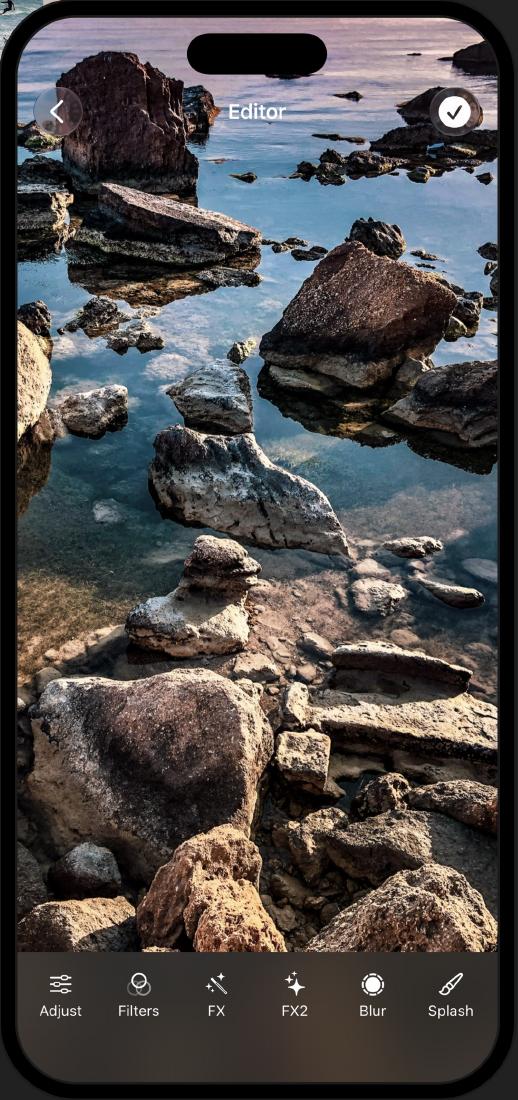
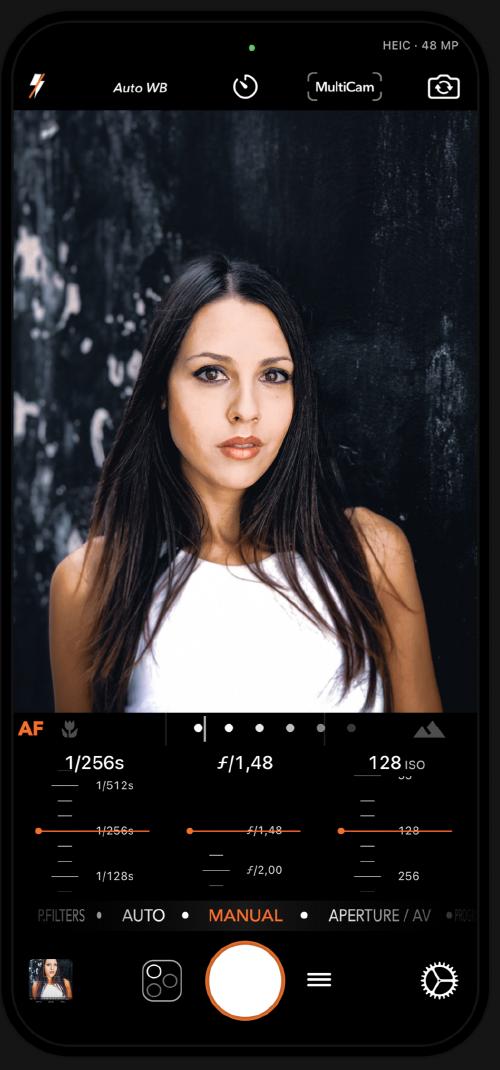 PHOTO · VIDEO · EDITOR
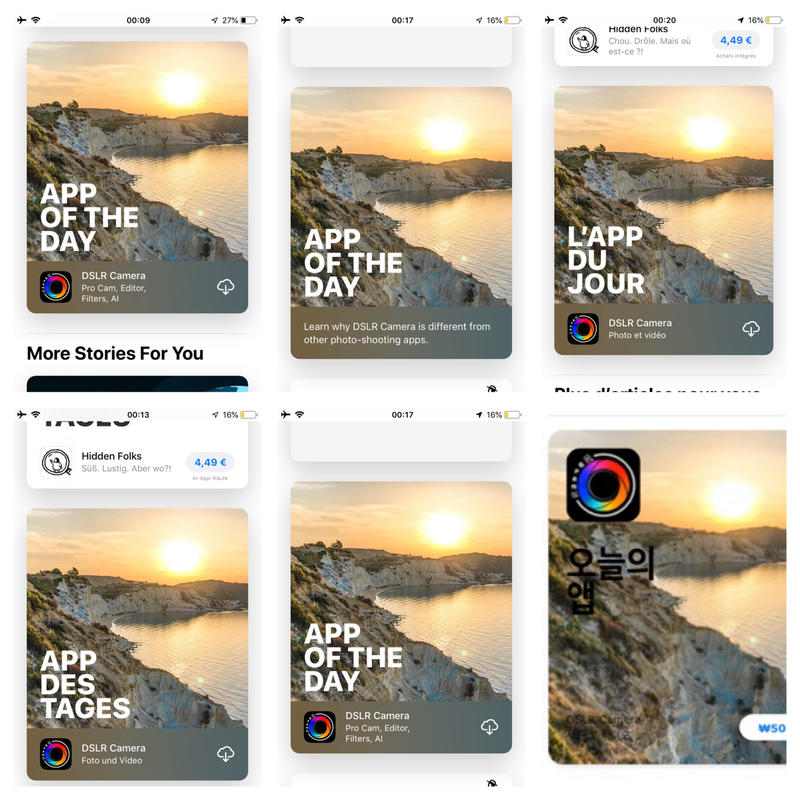
Featured on the App Store
Selected as “App of the Day” and reaching the top of international charts.
Top paid app charts
View the original post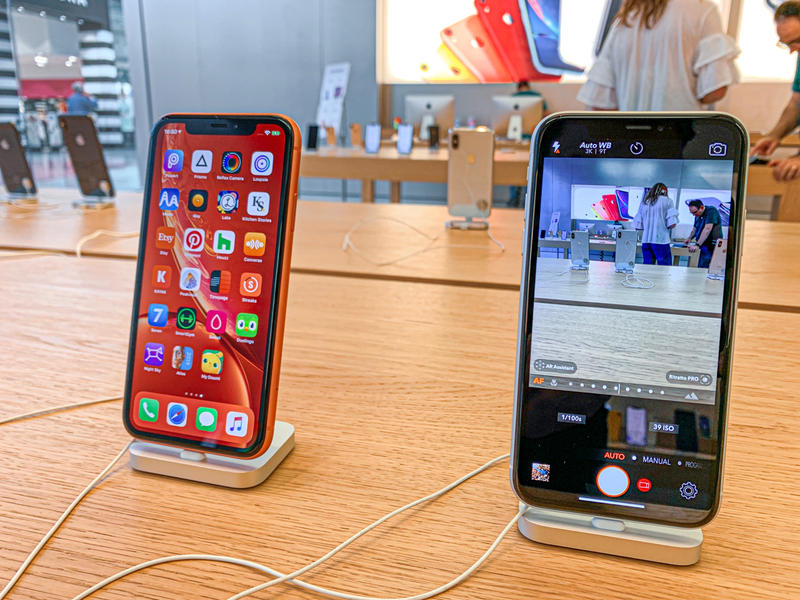
On Apple Store demo iPhones
View the original post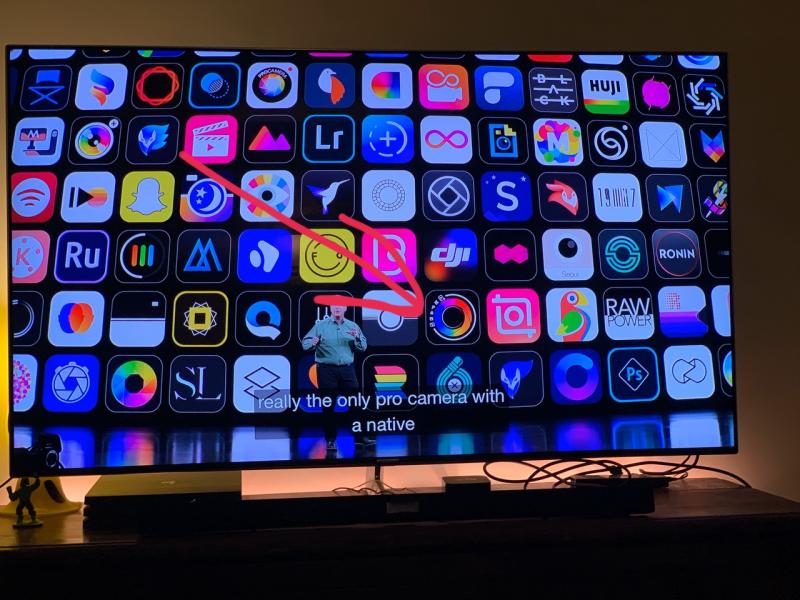
At the Apple keynote
View the original post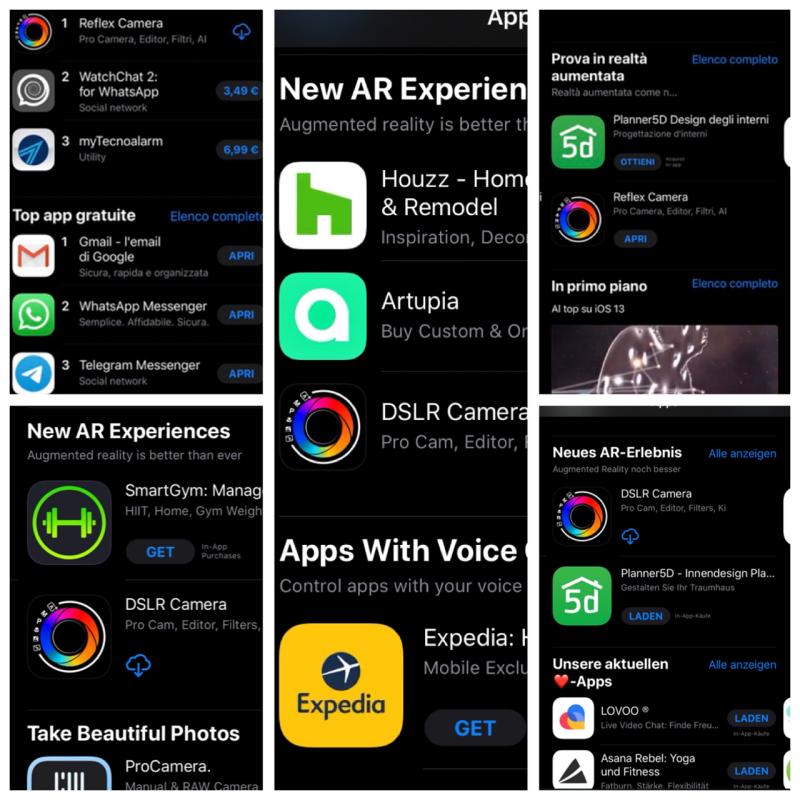
Featured for augmented reality
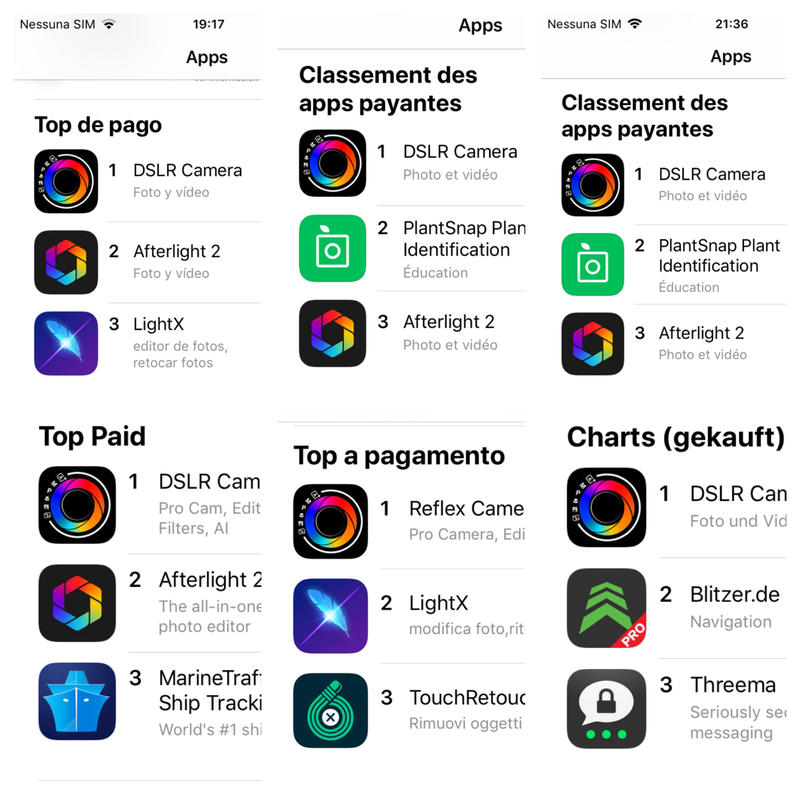
View the original post2018–2019 · Top rankings worldwide
An international journey, reaching number one among paid apps in over 30 countries. These screenshots document historical milestones.
GUIDE / GUIDES
Latest Guides and News
Practical guides to get to know the tools and use them in your photography.
Explore the features on this page
Manual controls and Av modeTools in the new editorPredictive Filters and AISCATTO / CAPTURE
Manual Controls
The simplicity of automatic shooting. The freedom of manual controls when you want to go further.
Pro Controls
Shutter speed, ISO and exposure compensation become clear controls, with live values and precise adjustments. Slide along the scale or tap a value directly.
Variable aperture
On the compatible Main camera of iPhone 18 Pro and Pro Max, you can also adjust the physical aperture. In Av mode you choose the aperture; the app adjusts shutter speed and ISO.
Availability depends on device, camera and format. Pro shutter speed and ISO controls also extend to iPhones without variable aperture.
RAW and video
More flexibility in post-production and exposure control while recording.
Focus and tracking
Manual or continuous focus to follow your subject and choose what matters.
MultiCam
Front and rear cameras together, to tell the story from two perspectives.
PHOTO EDITOR
Advanced Editor
A refreshed interface takes you from the gallery into the editor: clearer tools, smoother navigation and more space for your photos.
Light, shadows, colour, detail and crop. The adjustments you know, in a more consistent visual experience.
View the new UIREFOCUS
Refocus and Digital Aperture
Tap the subject to keep sharp and adjust the background blur. A more direct way to guide the eye through your photo.
For photos with depth data, the editor switches to digital aperture adjustment, from f/16 to f/1.4. Blur follows the distance of elements in the image.
This is an editing blur adjustment, separate from the camera’s physical aperture. Refinement features depend on the iOS version and models available on the device.
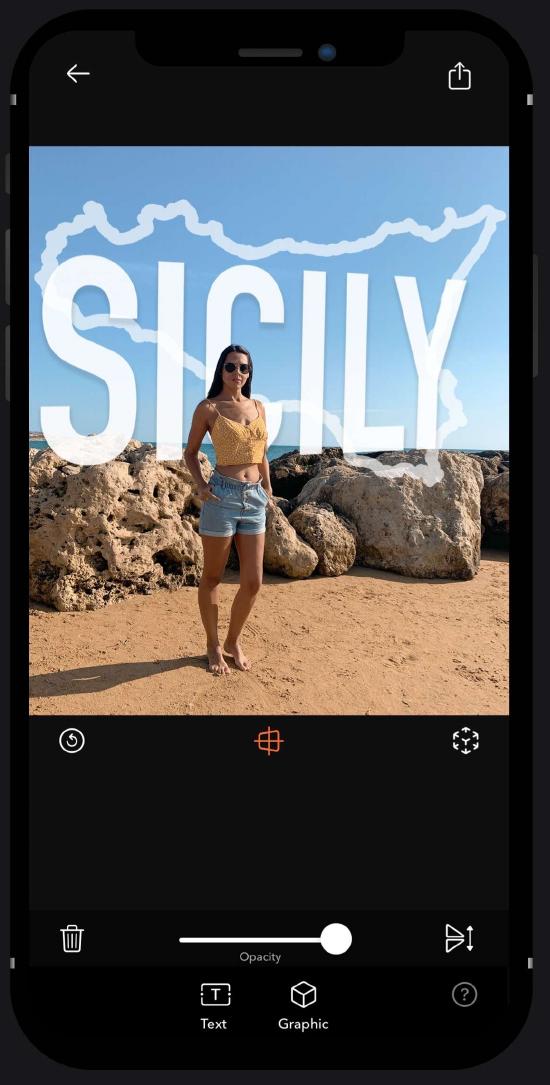
AR Portrait
With LiDAR, text and virtual elements fit between subject and background on compatible devices.
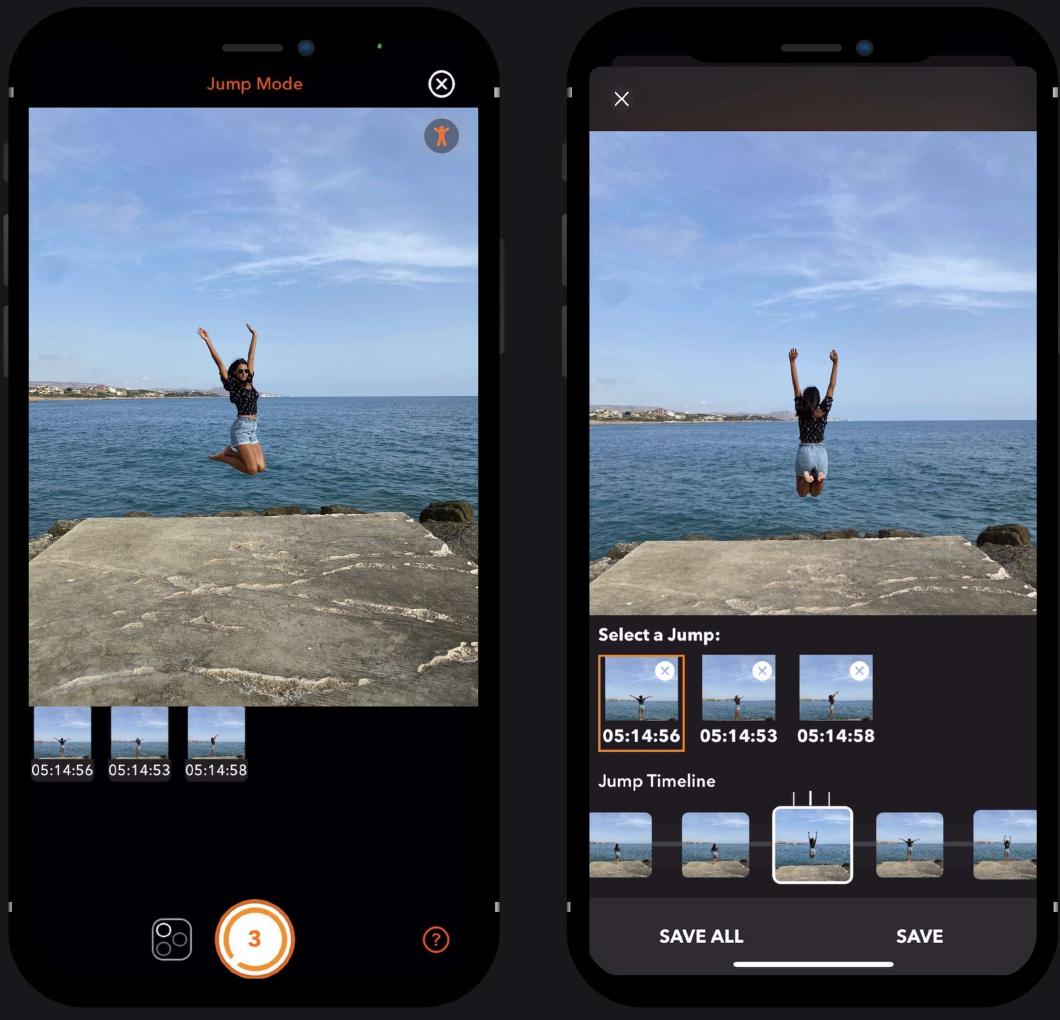
Jump Shot
The app recognises a jump and automatically captures its highest point. Then choose your images from the sequence.
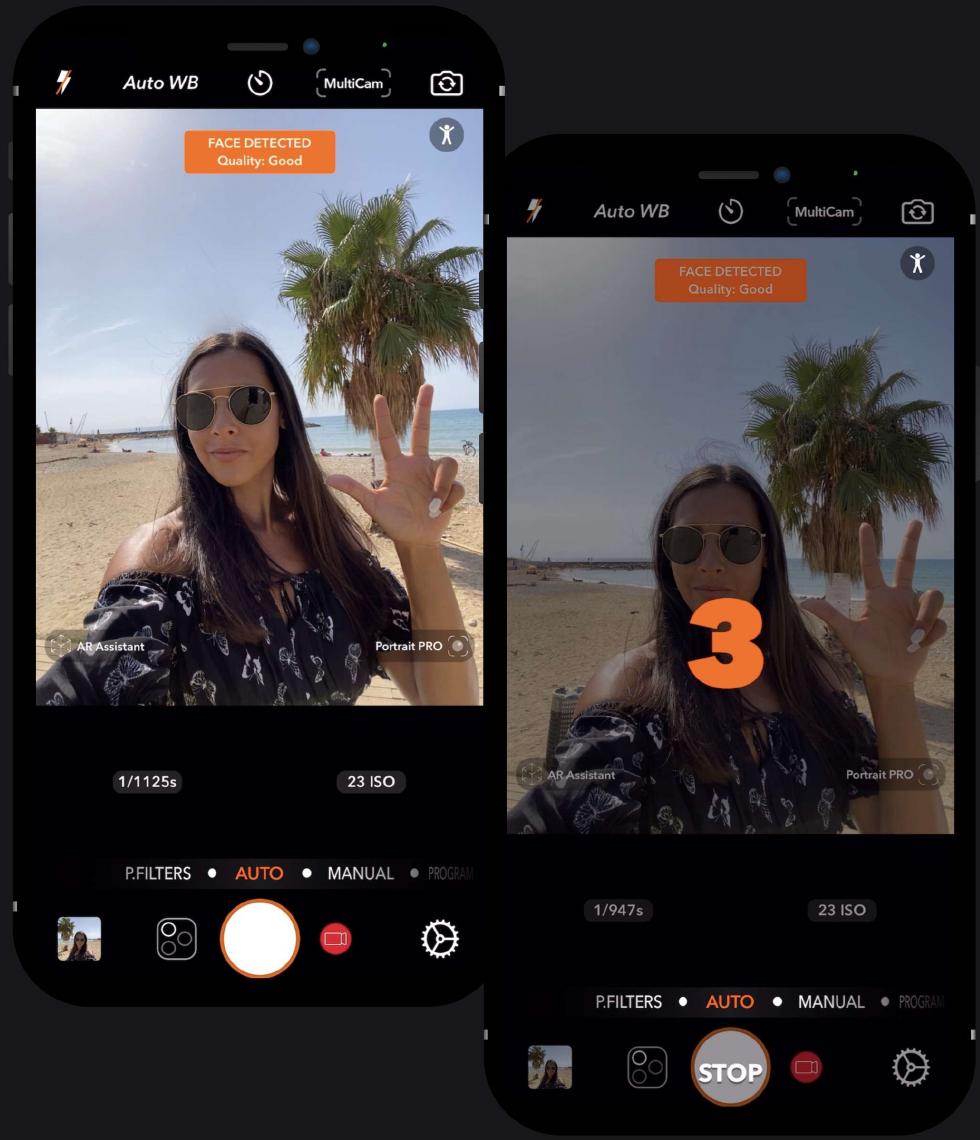
Hand Timer
Set the countdown by showing your fingers. Use the Shaka gesture to take a selfie without touching your iPhone.
PREDICTIVE FILTERS
Predictive Filters
Over 200 filters, with suggestions based on image content. Core ML and Vision help you find a starting point, while the final choice stays yours.
The refreshed interface also integrates cropping and automatic horizon correction, so you can refine composition without breaking your flow.
On-device AI
The processing described for the new editor uses iOS models, where available, without sending photos to a server.
+200 Photo Filters
From colour to black and white, find your photo’s style.
A collection of over 200 photo filters to reinterpret portraits, landscapes and everyday shots on iPhone and iPad. Compare different looks and choose the one that brings out the light, colours and atmosphere.
Predictive Filters analyse photo content and suggest filters to start with. You can then continue in the editor to adjust exposure, contrast, highlights, shadows and colour.
DSLR Camera app for iOS
The app is designed for beginners and experts. Auto, Manual and Program shooting, with tools to capture, record and edit.
All features
Perfect Shots and Videos
Capture photos and videos automatically, or adjust shutter speed and ISO with simple, complete controls.
RAW
Shoot in RAW format to retain more information for post-production.
Predictive Filters
Image analysis suggests suitable filters, while you choose the final result.
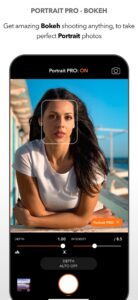
Portrait Pro — Bokeh
Adjust blur intensity and depth directly while shooting on compatible devices.
Shot Preview
After shooting, correct, personalise and share your photo.
AR Assistant
Use augmented reality to explore viewpoints and photographic techniques.
Siri Shortcuts
Access app features through voice commands and Siri Shortcuts.
Advanced Focus
Choose focus settings to highlight small details or distant subjects.
AFC — Continuous Autofocus
Press and hold on your subject to track it with continuous autofocus.
Face Tracking
Face detection helps manage exposure for selfies and portraits.
Selfie Comparison
Machine learning evaluates facial features to help you select a shot.
Advanced Editor
Exposure, contrast, highlights, shadows, colour temperature, saturation, vibrance, structure, sharpness, noise and vignette. With crop and resize tools.
Photo Filters
A collection of original filters for different photographic styles.
Cinematic Videos
Choose video quality and lock exposure; 4K recording on compatible devices.
MultiCam
Capture photos and videos with two cameras at once on compatible devices.
Drag and Drop
On iPad, drag images from other apps into the photo editor.
iMessage App
Take photos, add stickers and share with friends.
Apple Watch Remote
Control the app on your iPhone from your Apple Watch.
Timer, anti-shake, burst shooting, tone curves, text, Splash, resize, crop, zoom and selfie flash complete the tools available on compatible devices.
DENTRO L’APP / INSIDE THE APP
The New Interface
Explore the refreshed interface. Tap an image to enlarge it.
From the App Store
The screenshots published on the app’s store listing.
Available for iPad & with an extension for Apple Watch
From capturing a shot to editing on a larger screen and remote control from your wrist. With Siri Shortcuts, widgets and iMessage integration.
Manual camera and photo editor on iPad
Use the iPad display to compose your frame, control shutter speed and ISO, and see the details in your photo. In the editor, compare filters and work on light and colour with more room.
Promotional images of the previous iPad interface. The new UI gallery separately shows the latest screens.
With Drag and Drop, import images from other apps into the editor. The Apple Watch extension lets you control camera features on your iPhone from your wrist.
SUPPORTO / SUPPORT
Suggestions and Contacts
Suggestions, issues or an idea to share: support stays here, on the app page.
What to include in your request
Device model, iOS version and app version. Describe what happens and the steps needed to reproduce the issue.
Where can I find crash logs?
In Settings, search for Analytics Data and locate the file related to Reflex. Review its contents before sharing it with support.
DSLR Camera
DSLR Camera for iPhone and iPad.